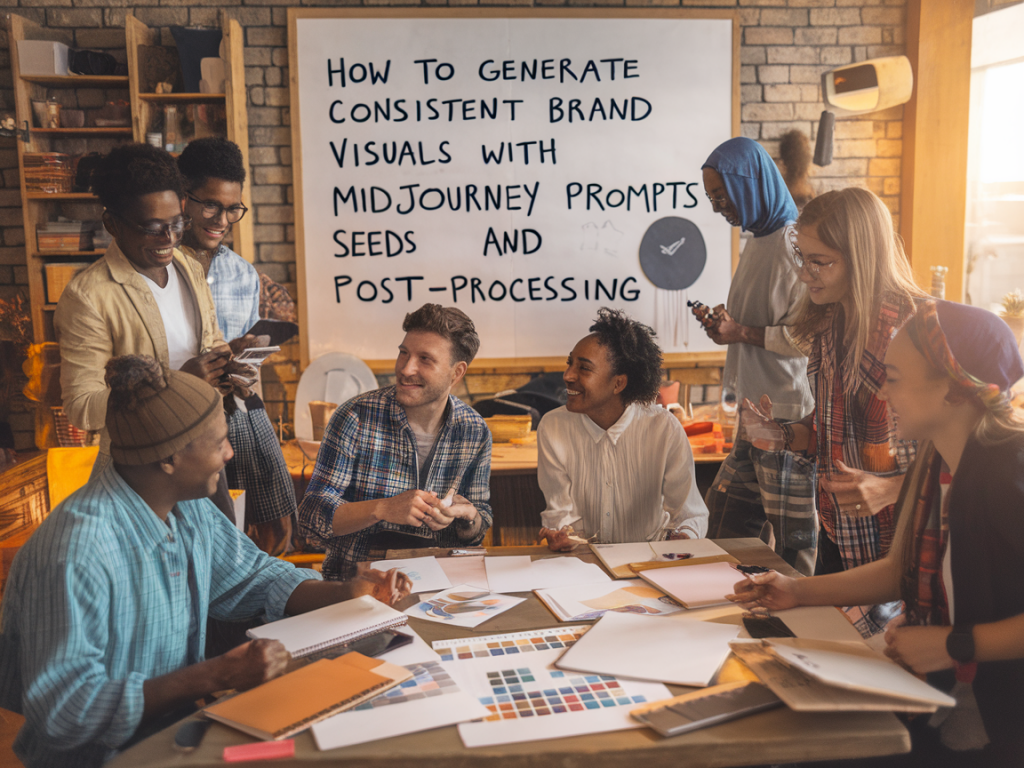
I often get asked how I keep brand visuals consistent when using Midjourney. As tempting as it is to treat each generated image as a one-off piece of creative luck, building a reliable visual system with AI is a matter of process: controlled prompts, stable seeds, disciplined post‑processing, and a clear set of brand rules. Below I share the exact workflow and prompt strategies I use when I need a family of images that feel cohesive—whether it’s for a product launch, a blog hero series, or social templates.
Why consistency matters with generative models
Generative models are great at variety, but brand design needs cohesion. Without constraints you'll end up with images that are individually interesting but collectively chaotic. I treat Midjourney like a design tool with knobs I can lock down: color palette, compositional framing, lighting, subject treatment, and texture. If those variables are consistent, the rest can vary creatively while still feeling like they belong to the same brand.
Set a small, explicit brand vocabulary
Before touching Midjourney, define a short brand vocabulary—3–6 attributes you want every image to share. For example:
Write those down as single phrases you can paste into prompts. They become the anchor for every generation.
Building prompts that prioritize repeatability
I structure prompts in three parts: fixed branding block, variable creative description, and technical constraints. Example skeleton:
[brand block] | [creative seed description] | [technical constraints and flags]
Concrete example:
Brand block: “muted teal and warm beige color palette, soft directional lighting, paper grain texture, minimalist composition, calm and optimistic mood”
Creative seed: “a pair of hands holding a ceramic cup, close crop, shallow depth of field, editorial product photo”
Technical constraints: “--ar 4:5 --v 5 --stylize 50 --seed 123456 --no text,logos,watermark”
Full prompt to paste into Midjourney:
muted teal and warm beige color palette, soft directional lighting, paper grain texture, minimalist composition, calm and optimistic mood | a pair of hands holding a ceramic cup, close crop, shallow depth of field, editorial product photo --ar 4:5 --v 5 --stylize 50 --seed 123456 --no text,logos,watermark
Seeds: why they’re important and how I use them
The --seed parameter gives you a deterministic starting point. If you use the same prompt and seed, the output will be very similar between runs (especially when paired with other locked parameters). I use seeds to create variations from a core idea:
Tip: Save the seed number and the exact prompt in a spreadsheet or Notion page. That way you can reproduce or iterate on any image later. I also keep a column for the job ID and the final chosen variant.
Key Midjourney parameters I lock
Here are the flags I usually lock for brand consistency:
Example locked block: --ar 4:5 --v 5 --seed 123456 --stylize 50 --no text,watermark --q 2
Prompt templates you can reuse
I keep a small library of templates for different asset types. Copy and adapt these:
Hero image template:
muted teal and warm beige color palette, soft directional lighting, paper grain texture, minimalist composition, calm and optimistic mood | wide shot of [subject], negative space on the left, editorial photography, 35mm lens --ar 16:9 --v 5 --seed [SEED] --stylize 60 --no text,logo
Product shot template:
muted teal and warm beige color palette, soft directional lighting, paper grain texture, close crop, studio background, realistic ceramic texture | [product] on hand, shallow depth of field --ar 4:5 --v 5 --seed [SEED] --stylize 40 --no watermark
Illustration template:
muted teal and warm beige color palette, clean vector-like shapes, subtle grain, geometric composition, calm mood | flat vector illustration of [concept], limited palette, simple iconography --ar 1:1 --v 5 --seed [SEED] --stylize 30 --no gradients
Batch generation and selection workflow
I don’t trust a single generation. My workflow:
Post‑processing: finishing so everything reads like a system
Raw AI images rarely ship without touch-ups. My post steps:
Common pitfalls and how I avoid them
Here are mistakes I see often and my fixes:
Practical mini workflow checklist
| Before generation | Write brand block, pick aspect ratio, select 3–5 seeds |
| Generate | Run 8–16 jobs, keep prompts identical except for creative seed line |
| Select | Pick top 3–5, upscale, create variations |
| Post‑process | Batch color grade, align composition, add texture/overlays, embed metadata |
Using Midjourney for brand visuals doesn’t mean giving up craft. It means translating your brand rules into repeatable prompts and treatment steps. When I follow this process I get images that feel like they belong together—without sacrificing the spark of serendipity that makes generative tools exciting. If you want, I can share a downloadable prompt pack and a sample LUT I use to match Midjourney colors to a muted teal palette—just say the word and I’ll prepare it for Themebat readers.