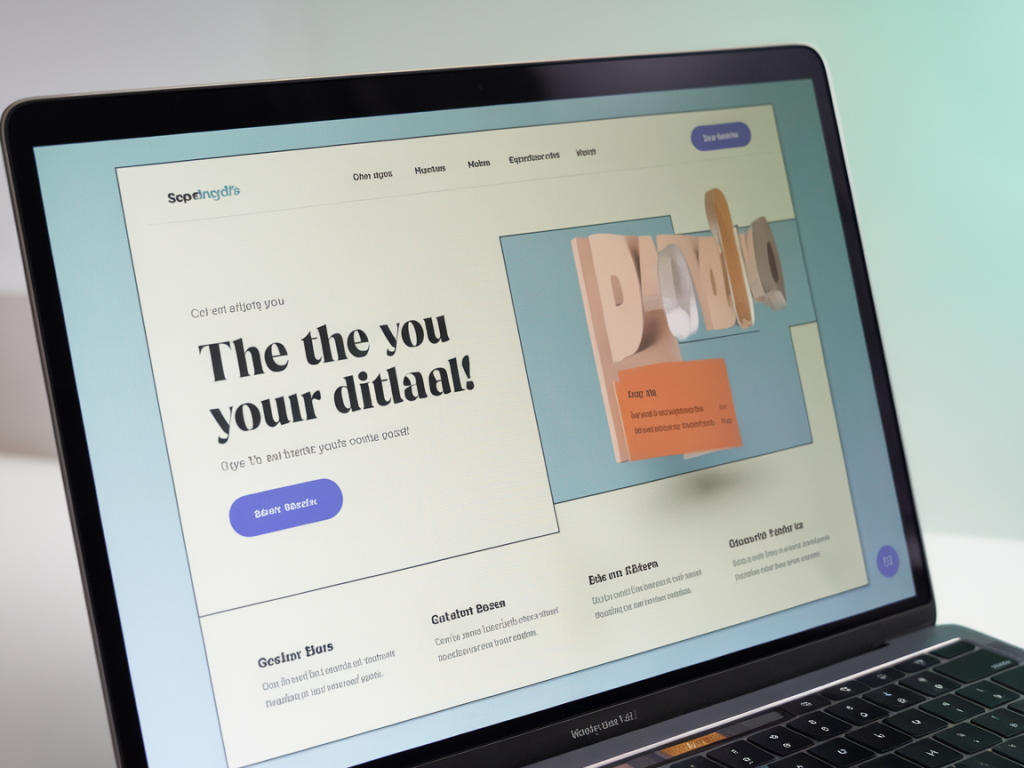
Building a marketing landing page that both respects accessibility and increases signups isn’t an either/or problem — it’s the sweet spot where empathy meets conversion. Over the years I’ve redesigned dozens of landing pages for products, launches, and newsletter gates, and one thing became obvious: making pages accessible often improves clarity, trust, and ultimately signups. Below I share a practical, opinionated workflow and concrete patterns I use when designing landing pages that are inclusive and high-performing.
Start with why — align goals and audiences
Before I touch layout or copy, I define the primary goal (what counts as a signup) and the target audiences, including accessibility needs. That sounds obvious, but many teams jump straight to visuals. Ask:
- Who are we trying to reach (personas, technical constraints, assistive tech)?
- What is the one action we want people to take?
- What friction points could stop someone with a disability or a slow connection?
Mapping this out changes design decisions: a product demo video might be great for marketing, but if captions aren’t prepared or bandwidth is poor for a portion of your audience, it becomes a conversion blocker.
Write inclusive, scan-friendly copy
Words matter. Clear, simple language helps everyone — particularly people using screen readers or non-native speakers. I follow these rules:
- Lead with benefit: in the hero, state the outcome (“Get X in Y minutes”), not vague fluff.
- Use plain language: prefer “start free trial” over marketing jargon.
- Structure content: short paragraphs, clear headings, and bullet lists make content scannable.
- Accessible CTAs: button labels should be descriptive — “Start free trial” outperforms “Get started”.
I also create alternate text for all images and provide transcripts or captions for audio/video. These are not afterthoughts; they’re content work that directly supports SEO and user trust.
Design a focused, predictable layout
Simplicity and predictability reduce cognitive load. For landing pages I rely on a tight information hierarchy:
- Hero with clear value prop + primary CTA
- Trust elements (logos, testimonials) close to CTA
- Short feature highlights with accessible headings
- Secondary CTA and supporting details (pricing, FAQs)
Keep the hero above the fold uncluttered. If there’s an illustration, ensure the hero copy and CTA are the visual anchors. For keyboard users, logical DOM order matters more than visual placement — I design the content flow so that tab order follows the visual hierarchy.
Make CTAs accessible and persuasive
CTAs are conversion points and accessibility hazards if mishandled. Here’s what I do:
- Use native buttons where possible: buttons have built-in keyboard focus and role semantics. If you must use links, add role="button" and keyboard handlers.
- Provide clear focus states: custom styles should maintain high contrast; don’t rely only on color.
- Avoid ambiguous labels: “Subscribe” vs “Subscribe to weekly design insights” — the latter clues users into what they signed up for.
- Reduce form friction: require the minimum fields. Name and email are often enough.
Design forms for real humans
Forms are the critical conversion step and can be a major accessibility failure if not done correctly. My checklist:
- Label every input visibly. If you use placeholders, don’t rely on them as labels.
- Associate labels and inputs using for and id attributes (or aria-label where appropriate).
- Provide inline validation with accessible alerts (role="alert").
- Support keyboard navigation and sensible tab order.
- Offer clear success and error messaging; focus on the message when submitted so screen reader users hear it immediately.
- Use progressive disclosure for optional fields (collapsed by default).
Color, contrast, and visual accessibility
Color choices affect both brand and accessibility. I test all UI elements against WCAG contrast ratios (AA as a minimum for body text, higher for UI components). Practical tips:
- Keep CTAs high contrast against backgrounds — consider both text and surrounding elements.
- Don’t use color alone to convey meaning; pair with icons or text.
- Provide a simple way to distinguish interactive elements: underlines for links, clear borders for form fields.
Images, motion, and media — be considerate
Visuals help sell, but they can hurt accessibility if not handled properly. When I include media:
- I write concise alt text that conveys purpose, not decorative fluff.
- All videos have captions and an available transcript.
- Animations that could trigger vestibular issues are optional or respect the prefers-reduced-motion media query.
Performance and mobile-first thinking
Accessibility isn’t only about ARIA attributes; load performance and responsive design are accessibility issues too. A slow page excludes users on poor connections. I follow these practices:
- Optimize images (responsive srcset, WebP where possible).
- Defer non-critical JavaScript; hydrate interactive bits progressively.
- Design mobile-first: large touch targets, readable type sizes, and simplified layouts for small screens.
Test with real users and tools
I always combine automated checks with human testing. Useful tools:
- Lighthouse for performance and basic accessibility checks
- axe or WAVE for detailed accessibility issues
- VoiceOver (macOS/iOS) and NVDA (Windows) for screen reader checks
But tools can’t catch everything. I aim to test with at least one person using assistive tech when possible — their feedback is invaluable and frequently reveals real-world issues automated tools miss.
Microcopy and trust signals that boost conversions
Small details move the needle. Microcopy that reduces anxiety — privacy reassurance, expected email frequency, refund policies — helps visitors decide. I place trust signals near the CTA:
- Payment or privacy badges
- Social proof: testimonials with names and photos (with alt text)
- Data on users or outcomes where truthful and verifiable
These elements should be accessible: images with alt text, text equivalents for icons, and semantic HTML for lists of testimonials.
Accessibility checklist (quick reference)
| Focus order | Logical DOM order; visible focus indicators |
| Form labels | All inputs have labels and accessible validation |
| Color contrast | WCAG AA for text, high contrast for CTAs |
| Media | Alt text, captions, transcripts, reduced-motion support |
| Performance | Optimize assets, mobile-first layout |
Designing accessible landing pages is an iterative process. In my experience, teams that bake accessibility into the initial brief ship cleaner products faster and convert better. If you want, I can walk through a specific landing page you’re working on and point out quick accessibility wins that could boost signups — say hello via Themebat’s contact form and we’ll look at it together.