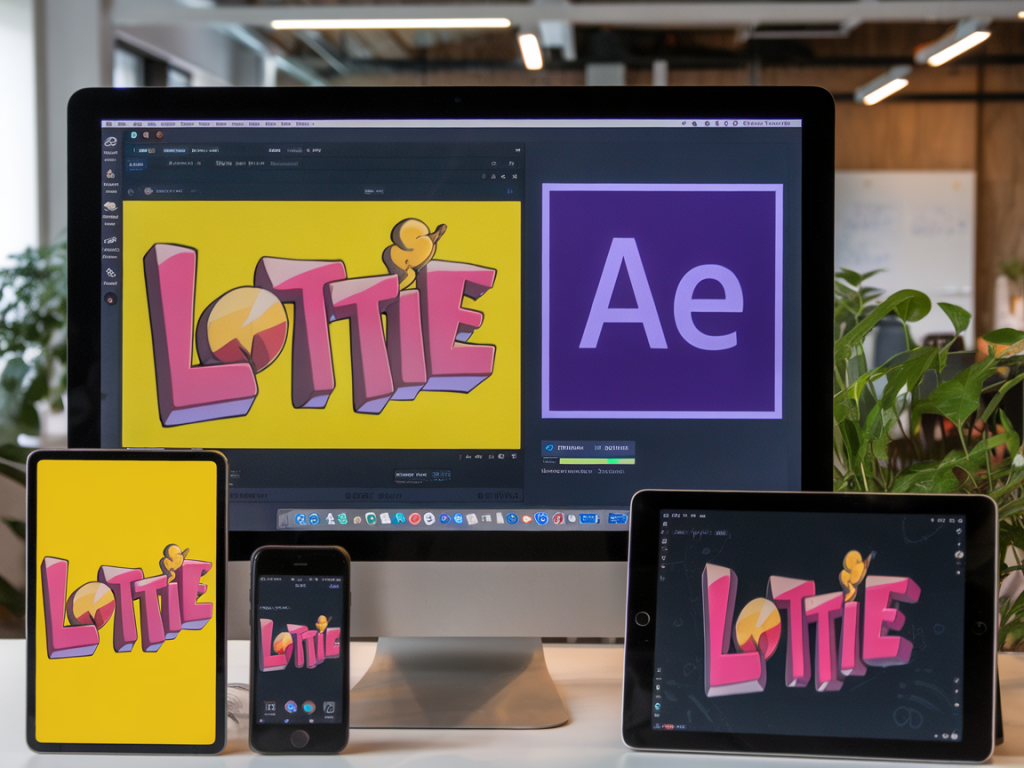
I build a lot of motion for product interfaces and marketing sites, and one recurring challenge is keeping animations consistent across platforms. I want the little moments—the loading icons, the onboarding illustrations, the micro-interactions—to feel like they belong to the same design system whether they appear in a mobile app or on a marketing page. For me, Lottie + After Effects is the best combo for that job: it lets you design rich vector animations and ship them as lightweight, scalable JSON that works on web and native apps.
Why I choose Lottie + After Effects
There are a few reasons I keep returning to this stack:
That said, getting consistent results takes intentional choices during design and export. Here’s the workflow I follow to avoid surprises.
Design with constraints—set up a system in After Effects
I treat each Lottie animation as a component in a design system. Before animating, I create an After Effects template that enforces the constraints my front-end will expect.
Pro tip: make a “responsive bounds” guide layer in AE—an invisible shape that marks the safe area and maximum bounding box. It helps ensure the animation will lay out consistently when scaled by different players.
Naming, structure, and modularity
When you export many animations over time, messy layer names become a maintenance nightmare. I name groups and layers semantically (e.g., btn_primary_icon, spin_layer) and keep components modular. If multiple animations reuse the same illustration, I keep a separate comp for the illustration and nest it—so updates propagate cleanly across exported files.
Exporting with Bodymovin / LottieFiles
I use the Bodymovin plugin (or the LottieFiles plugin integrated into After Effects) to export. Here are the steps and settings I rely on:
Some After Effects features force the plugin to rasterize a layer into a PNG sequence, which defeats scalability and increases file size. If Bodymovin flags any layers as incompatible, I either rework the animation or accept a smaller rasterized section (and keep it minimal).
Optimizing for file size and performance
Performance is a core part of consistency—an animation that stutters on mobile looks different than on desktop. I optimize both visually and technically.
Making animations responsive and device-aware
The trick to consistent behavior across screens is separating visual scale from timing and constraints. I do this in two ways:
For responsive UI components (e.g., a button with an animated icon), I export a logical-size Lottie and let the app scale the container. In React / web, I’ll render the Lottie inside an element styled with width: 100%; height: auto; and let CSS control its final size. That keeps the animation geometry consistent and avoids re-exporting for multiple breakpoints.
Platform-specific issues and fixes
Even with careful export, different Lottie runtimes can render slightly differently. I keep a checklist for each platform:
If I spot differences, I usually fix them by simplifying the offending effect or replacing it with a Lottie-friendly approach (for example, using shape path animation instead of a blobby filter effect).
Accessibility, fallbacks, and progressive enhancement
Animations should never break accessibility or performance budgets. I build fallbacks and make animations optional:
Versioning and maintenance
I store Lottie JSONs in a versioned assets folder and keep a small manifest with metadata (source AE comp name, AE file version, exported date, primary colors, and usage notes). This makes it easy to update an animation across multiple products—find the JSON in the manifest, update the AE comp, export, and swap the files in a single PR.
Tools that speed up my workflow
Over time I’ve collected a set of tools that smooth the pipeline:
When everything clicks—clear constraints in AE, small and semantic JSON exports, and coordinated player settings—the same animation can feel identical in a native app and on a marketing site. That consistency is powerful: it reinforces brand identity, reduces cognitive load for users, and speeds up development because engineers don’t need multiple assets or complex rewrites.
If you want, I can share a lightweight AE starter template I use for Lottie exports and a short checklist you can drop into your handoff docs for engineers. I’ve found those two small files remove a lot of friction when shipping animations at scale.