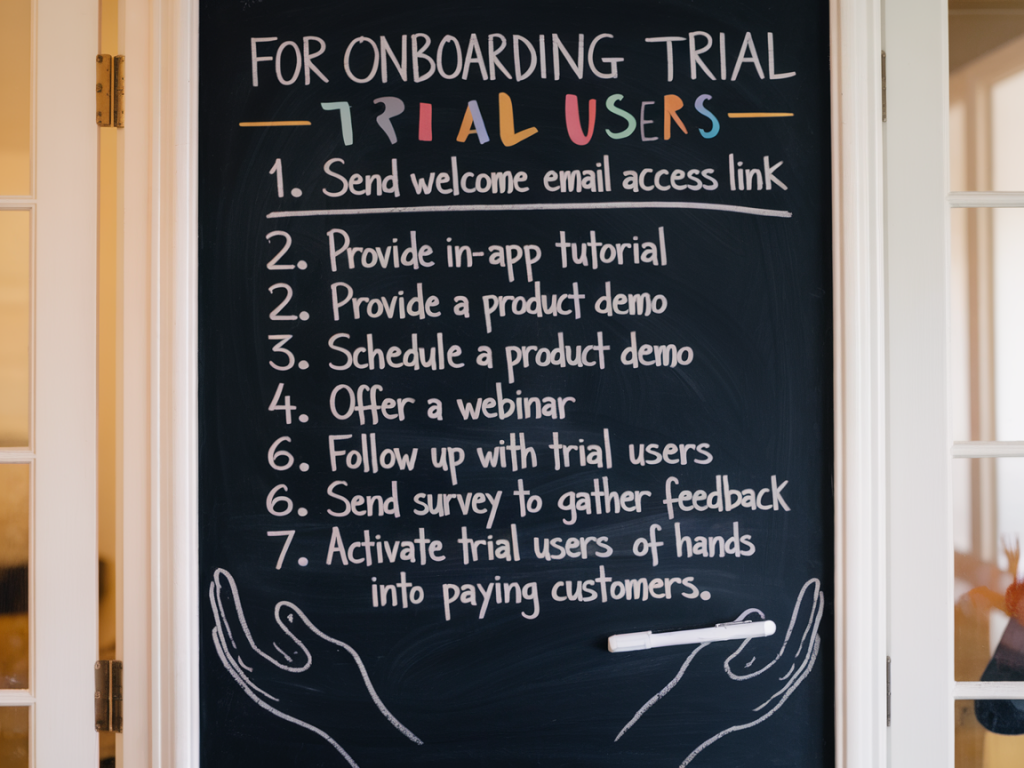
Why a seven-day onboarding checklist?
I’ve seen too many product teams obsess over flashy tours and feature lists while forgetting the tiny sequence of wins new users need to feel the product is worth paying for. A focused, time-bound onboarding checklist does one thing: it reduces time-to-value. I aim to design checklists that reliably move trial users from curious to activated within seven days — long enough to prove value, short enough to prevent churn.
Start with the activation metric, not the features
Activation is a behavior, not a product map. Before I design any checklist, I define the single activation event we care about. For a team messaging app it might be “sent a message and invited a teammate”; for a visual editor it could be “published first shareable project”; for a SaaS analytics tool it might be “connected first data source and viewed a dashboard.”
Why? Because a checklist that emphasizes reaching that activation behavior helps people experience core value quickly. Everything else — onboarding modals, product tours, emails — should serve that single goal.
Design principles I follow
- Clarity over completeness: each step must have an obvious outcome and a clear next action.
- Small wins: break activation into 3–5 micro-actions that feel achievable in minutes.
- Time-boxed: show progress over seven days so users know what to do today vs later.
- Contextual help: deliver guidance where people act, not in a separate knowledge base.
- Measure and iterate: treat the checklist like a feature and A/B test copy, order, and timing.
Example seven-day checklist structure
Here’s a layout I use in the product UI and in the welcome email. The idea is to combine in-app guidance with lightweight email nudges so users never feel stranded.
| Day | Checklist item | Goal | Success metric |
|---|---|---|---|
| Day 0 (signup) | Complete quick setup (name, basic settings) | Reduce first friction | >80% complete setup within session |
| Day 1 | Create first project / import data | User performs core task | 50% create or import |
| Day 2 | Invite teammate / share link | Demonstrate collaborative value | 20–30% invite rate |
| Day 4 | Use advanced action (filter, template, automation) | Show depth of product | 15% perform action |
| Day 6–7 | Hit the activation event | Converted to activated customer | Target activation % e.g., 30%+ |
Microcopy that reduces hesitation
Words matter. I write short, human microcopy for each checklist item that answers: “What will this do for me?” and “How long will it take?” Examples I’ve used successfully:
- “Import your first file — takes 60 seconds, transforms it into a live dashboard.”
- “Create a project — you’ll have something shareable in under 2 minutes.”
- “Invite a teammate — collaboration unlocks real results.”
Use progress labels like “1 of 4 completed” and show a small visual progress bar. Social proof works too: “Join 3,214 teams who completed this setup.”
Where and how to surface the checklist
I split delivery across three channels:
- In-app checklist panel: Persistent sidebar or modal with checkboxes, progress, and a primary CTA for the next action.
- Contextual tooltips: Short tooltips or coach marks tied to the UI element needed to finish the step — but only when the user is actively in that area.
- Email / in-app notifications: Reminders for missed steps, timed to nudge without nagging. Keep them actionable with one CTA that takes users directly to the relevant in-app context.
Example email cadence (aligned with the seven days)
Here’s a simple sequence I’ve tested; adjust tone and timing to your product:
- Welcome email (immediately): shows the checklist and highlights Day 0 step.
- Activation nudge (Day 1 evening): “Need a hand finishing import? Click to resume.”
- Use case email (Day 3): skirt a common success story with a short tutorial video.
- Invite nudge (Day 4–5): “Bring a teammate — get 2 weeks free on us” (or other incentive).
- Final push (Day 6): “You’re one step away from activation. Complete now.”
Segmentation and personalization
Not all users are the same. I segment checklist flows by source and intent:
- Self-serve signups: shorter checklist focused on quick wins.
- Marketing-qualified leads: emphasize collaboration and team features earlier.
- Enterprise prospects: more handholding — offer a CTA to schedule a demo or dedicated onboarding rep.
Personalize copy with first name and reference the user’s data where possible: “Your project ‘X’ is waiting — finish setup.” That small touch significantly boosts engagement.
Measure the right things
Key metrics I track for the checklist:
- Time to activation (median)
- Activation rate at Day 7
- Step drop-off rates (which checklist item loses people?)
- Mail-to-in-app conversion (which email nudges work?)
- Retention beyond Day 7 (do activated users convert to paying customers?)
Instrument events for each checklist item and build a simple funnel dashboard. If Day 2 shows a big drop, don’t guess — watch session replays (Hotjar, FullStory) and run a one-question in-product prompt to ask why they dropped off.
Small experiments that pay
I run short A/B tests on:
- Order of steps — sometimes swapping invite earlier increases collaborative activation.
- Microcopy — “Import in 60s” vs “Import now” can change urgency.
- Nudges — push notification vs email for mobile-first products.
- Rewards — offer a small incentive (extra project, trial extension) for inviting a teammate.
Iterate weekly for the first month after launch, then move to a monthly cadence.
Design touches that increase completion
Visual and interaction details matter. I include:
- Animated progress indicators (subtle) that reward completion.
- Inline success messages after each step — e.g., “Nice! Your dashboard is live.”
- Skip/reorder options — never force the exact sequence if a user knows what they want.
- Accessible designs — clear labels, keyboard focus states, and readable contrast so no one gets blocked.
One checklist template you can copy
Use this if you want a ready-to-drop-in flow:
- Setup profile (30–60s)
- Create your first [project/file/board] (2–3 min)
- Invite 1 teammate or share a link (1–2 min)
- Try one power action (filter/template/automation) (5 min)
- Complete activation: [explicit activation event]
Pair each item with a single CTA that takes the user straight into the right context, and follow up with an email if they stall for more than 24 hours.